
A retail store can have a busy day without having a good day.
You might see customers coming in, bills being generated, and products moving off the shelves. But sales activity alone doesn't tell you whether the store actually performed well.
The useful information is usually sitting inside your POS.
The problem is that many store owners look at too many numbers at the end of the day. They open reports, check individual bills, look at inventory, and try to work out what happened.
You don't need to review everything every evening.
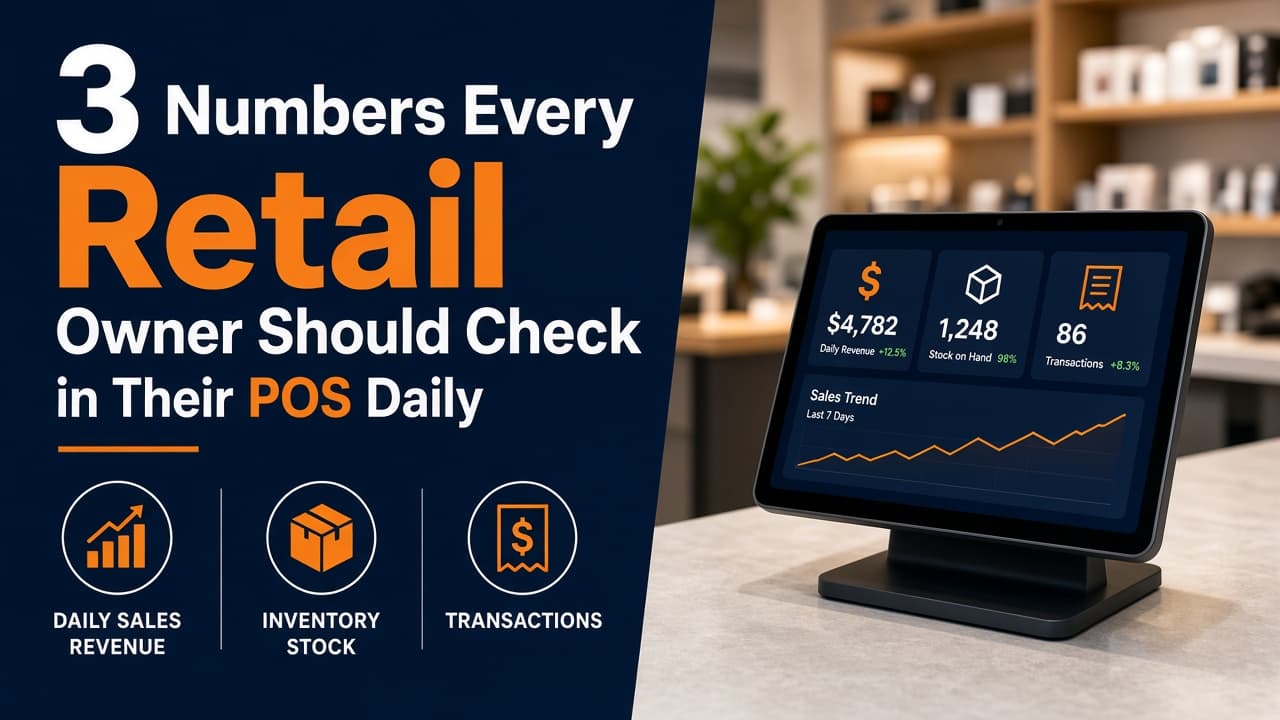
Start with three numbers: sales, gross margin, and inventory that isn't moving.
These three figures give you a quick picture of today's performance and where your attention may be needed tomorrow.
1. Total Sales
The first number to check is simple: How much did the store sell today?
Your POS should give you a clear view of the day's sales without requiring manual calculations.
Look at today's total and compare it with a relevant benchmark. That could be yesterday's sales, the same weekday from the previous week, or the same period last month.
The comparison is more useful than the number on its own.
For example, ₹80,000 in sales may sound good. But if the store normally does ₹1 lakh on that day, there may be something worth investigating.
The opposite is also true. A lower-sales day may not be a problem if it is normally a slower trading day.
The goal isn't to react to every daily change. It's to notice meaningful patterns.
Your POS can make this easier by keeping orders and sales in one place, along with details such as payment method, number of items, order value, and transaction time.
2. Gross Margin
Sales tell you how much money came through the register.
They don't tell you how much the store made from those sales.
That's where gross margin matters.
Suppose two stores each generate ₹1 lakh in sales.
Store A makes those sales with a 35% gross margin.
Store B makes the same sales with a 20% gross margin.
Their revenue is identical, but the amount left after product costs is very different.
That's why looking only at sales can give you an incomplete picture.
Gross margin helps you understand whether the products you're selling are generating enough contribution after their direct cost.
It can also highlight changes in your product mix.
For example, if sales remain steady but gross margin falls, you may want to check whether:
- More low-margin products were sold
- Discounts increased
- Product costs have changed
- Certain categories are contributing less
- Staff are applying discounts more frequently
You don't need to investigate every small movement. But a consistent change in margin deserves attention.
3. Dead or Slow-Moving Inventory
The third number is different from the first two.
It isn't about what you sold today. It's about what hasn't been selling.
A product sitting on the shelf still represents money tied up in inventory.
Consider a retailer carrying 2,000 products. Some may sell every week. Others may sit for months without generating a sale.
Those slow-moving products take up shelf and storage space and can tie up working capital that could otherwise be used for products customers actually want.
Your POS can help identify these products by looking at sales history and inventory movement.
You don't necessarily need to clear every slow-moving product immediately.
Instead, use the information to decide what action makes sense.
A product might need better placement, a different price, a promotion, or simply a smaller reorder quantity next time.
The important part is knowing which products are not moving.
Why These Three Numbers Work Together
Looking at each number separately is useful.
Looking at them together is more useful.
Imagine your POS shows:
- Sales: ₹1,20,000
- Gross margin: 24%
- Slow-moving inventory: High
The store generated strong revenue, but the margin may need attention and too much money may be sitting in products that aren't selling.
Now imagine another day:
- Sales: ₹90,000
- Gross margin: 34%
- Slow-moving inventory: Low
The sales figure is lower, but the underlying business may be healthier depending on the store's normal sales pattern.
This is why a daily POS review shouldn't be based on one number.
Don't Confuse Sales With Profit
One of the most common mistakes in retail reporting is treating sales as profit.
They are not the same.
Sales represent the value of products sold.
From there, the business still has product costs and other expenses such as rent, salaries, utilities, marketing, payment processing fees, and other operating costs.
Gross margin gives you a more useful view of product-level performance, but it is still not the same as final net profit.
Keeping this distinction clear helps prevent misleading conclusions from daily POS reports.
Your POS Should Make This Review Quick
A daily review shouldn't require an hour of spreadsheet work.
A useful POS should make important information easy to find.
At the end of the day, a store owner should be able to open the system and quickly understand:
- How much did we sell?
- What kind of margin did those sales generate?
- Which inventory isn't moving?
From there, the owner can decide whether anything needs action.
For example, if the store has a large number of low-stock products, the next step may be replenishment.
If certain products aren't moving, the owner may review their pricing or merchandising.
If margin has dropped, discounts and product mix may need a closer look.
The report provides the information. The business owner decides what action to take.
Make It a Daily Habit
You don't need complicated dashboards to make better retail decisions.
Spend a few minutes at the end of each trading day reviewing these three areas.
Compare today's numbers with a sensible historical benchmark rather than reacting to every fluctuation.
Over time, patterns become easier to see.
You may discover that certain days consistently produce stronger sales, particular categories generate better margins, or specific products repeatedly remain in stock for too long.
Those observations are much more valuable than simply knowing how much money went through the register today.
Final Thoughts
A POS contains far more information than the day's billing total.
For a quick daily health check, start with three numbers:
- Sales — How much did the store sell?
- Gross margin — How much value did those sales generate after product costs?
- Slow-moving inventory — How much stock is sitting without moving?
Together, they give you a practical view of revenue, product performance, and inventory efficiency.
You don't need to spend hours studying reports every night.
You just need to know which numbers deserve your attention.