
It's 11 a.m. A customer walks into your store and buys two pairs of jeans.
By 2 p.m., the same SKU gets three orders on your website.
The problem? Your store POS and your online store aren't connected. Your in-store stock drops, but your website still shows the old number. By evening, you've oversold, cancelled orders, and disappointed customers.
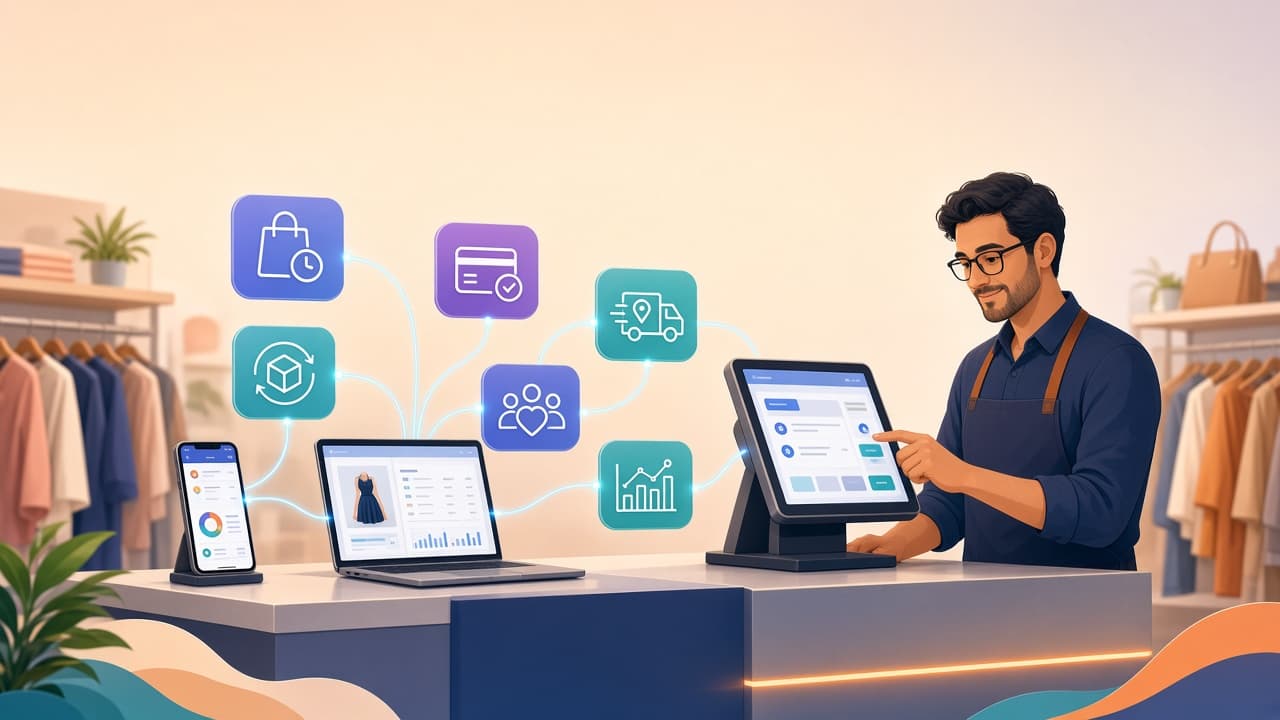
If you run both a physical store and an online shop, this isn't just a "tech issue." It directly affects revenue, reviews, and repeat purchases. A connected POS system solves this by bringing your store and your website into one system. Instead of juggling separate records for in-store billing and online orders, you manage sales, inventory, customers, payments, and reports from a single source of truth.
What Does Managing Online and Offline Sales From One POS Mean?
It means your physical store and your online storefront share the same backend. Picture a fashion retailer with a brick-and-mortar outlet, an online store, 2,000 products with size and color variants, multiple staff members, and customers buying both in-store and online. When a customer buys a black medium T-shirt in the store, the POS reduces that variant's stock. When another customer buys the same T-shirt online, the e-commerce order also reduces the same stock. Both transactions live in one system.
You no longer need one spreadsheet for store inventory, another tool for online orders, and a third record for customer purchases. You get a single source of truth for the entire business.
Why Separate Online and Offline Systems Create Problems
Running separate systems can feel simple at the start. As order volume grows, the gaps between them become expensive. Inventory becomes inaccurate when your store POS shows one number, and your website shows another. An online customer places an order for something you no longer have, leading to overselling, cancelled orders, refunds, and frustrated customers.
Staff work with incomplete information. Store employees see what's on the shelf but not what's already sold online. The person managing online orders doesn't see recent in-store sales. Without centralized data, everyone is guessing. Customer information gets fragmented too. A customer buys from your store several times, then places an online order. If those transactions live in different systems, you don't see the full purchase history. That makes personalized service, loyalty benefits, and targeted offers much harder.
Reporting gets complicated as well. At the end of the day you want to know total sales, how much came from the store versus online, which products and variants sold the most, which items are running low, and which customers purchased recently. With separate systems, you end up manually combining multiple reports instead of making decisions.
How One POS Connects Online and Offline Sales
A centralized POS links your sales channels to the same backend. Your physical store uses the POS for billing. Your online store sends orders into the same system. The central layer manages products and SKUs, inventory by variant and location, orders from both store and online, customer profiles, payments, and reports. When something changes in one channel, the relevant data updates across the business. A store sale reduces inventory and updates online availability. An online order reduces inventory and shows up on the store dashboard.
Keep One Central Product Catalog
Start with a single product catalog for both channels. Each product should have consistent information: product name, SKU (unique per variant), category, price and selling price, variants like size, color, and style, stock quantity, product images, and tax information. For a clothing brand, a SKU might look like TS-BLK-M for "T-Shirt – Black – Medium." That same SKU must be recognized by both the POS and the online store. Without consistent SKUs, synchronizing inventory becomes a constant fight.
Synchronize Inventory Across Channels
Inventory sync is the core of omnichannel retail. You have 25 units of a product. A customer buys 5 in-store. Available stock becomes 20. If your online store is connected to the same inventory, the website should also show 20. Later, an online customer buys 4 units. Stock becomes 16. Your store staff should see that updated number immediately. This reduces the risk of selling the same units twice. Modern apparel POS systems maintain one stock count per variant and update the online store in real time as in-store sales happen. That's what prevents overselling during busy periods and promotions.
Process Store Orders and Online Orders in One Place
Your POS should give your team a single view of all orders. Whether it's a store sale that's completed with inventory reduced, an online order that's paid and processing, a cancelled order where stock is restored, or a return that adjusts inventory, everything lives in one dashboard. Staff don't have to switch between multiple systems. A manager can see what was sold in the store and what has been ordered online from the same screen.
Give Store Staff Access to Online Orders
Your physical store can become part of your fulfillment network. An online order comes in for a product that's available on the shop floor. Instead of waiting for a separate warehouse team, authorized store staff can view the order in the POS, locate the product, pick and pack the item, and mark the order for dispatch or pickup. This is especially useful for brands without a dedicated warehouse. Your store effectively becomes a mini-fulfillment center.
Manage Customers Across Both Channels
A connected POS can unify online and offline customer activity. A customer spends ₹3,000 in your store, then later places a ₹2,000 online order. Instead of treating these as two unrelated profiles, a centralized customer record shows the combined history. That gives your team better context when serving the customer. This supports digital receipts, loyalty points, full purchase history, repeat-purchase tracking, personalized offers, and customer segmentation. The key is consistent identification: phone number, email, or customer account across channels.
Use the Same Loyalty Program Online and In-Store
Customers shouldn't need separate loyalty accounts because they shop through different channels. ₹100 spent in-store earns points. ₹500 spent online earns points. The points balance stays connected to one profile. Customers can then redeem points during a future purchase in either channel, based on your rules. This makes the program easier to understand and manage.
Keep Payments and Orders Organized
Online and offline payments work differently. In-store, you accept cash, card, UPI, and wallets. Online, you handle UPI, cards, net banking, payment gateways, and cash on delivery. Your POS doesn't have to process every payment itself, but it should record the payment method and order status accurately. That way you can see not just how much you sold, but how customers paid.
Manage Returns From Both Channels
Returns get messy when systems are disconnected. A customer buys online and returns in-store. With connected systems, staff can find the original order, verify the purchase, process the return according to policy, and update inventory automatically. This creates a smooth online-to-store return experience. The same logic can apply to store purchases returned through other supported channels, depending on your rules.
Track Sales From Every Channel
A centralized POS gives you a clear view of performance. Instead of pulling separate reports, you can analyze total sales, store revenue versus online revenue, number of orders, average order value, best-selling products and variants, returns and discounts, payment methods, and sales by employee and location. This helps you understand how your entire business is performing, not just individual channels.
Know Which Products Sell Across Both Channels
Combined data reveals real demand patterns. You might find Product A sold 60 units online and 40 in-store, while Product B sold 5 units online and 80 in-store. That tells you different products perform differently across channels. You can use this when deciding what to restock, what to promote online, what to display in-store, which products to discount, and which are slow-moving.
Avoid Overselling With Real-Time Stock Updates
Overselling is one of the biggest risks in multi-channel retail. You have one pair of shoes left. It's listed both in-store and online. A customer buys it in the store. If your online inventory isn't updated, the website may still show "1 item available." Another customer orders it online. Now you have two customers expecting the same product. A centralized inventory system reduces this by updating stock the moment the in-store transaction is completed. For limited-stock drops and seasonal collections, accurate sync is critical.
Give Managers a Single Business Dashboard
Owners shouldn't need to check five different systems every morning. A unified dashboard can show yesterday's sales for store, online, and total, top-selling products and variants, low-stock alerts, pending online orders, returns and cancellations, new customers, payment collections, and staff performance. This gives managers a clearer picture of daily operations and where to focus.
What a Connected POS Workflow Looks Like
A simple online plus offline workflow starts when a customer visits the store. The product is scanned at POS, payment is completed, the sale is recorded, inventory is updated, and online stock is updated. At the same time, a customer places an online order. The order enters the central system, inventory is checked, the order is allocated, stock is updated, and the order is packed and shipped. Both channels feed into the same data.
What Features Should You Look For in an Online Plus Offline POS?
Don't just evaluate the billing screen. Check the operational backbone. You need centralized inventory with one stock pool for all channels and locations. Multi-channel orders should be visible in one place. Product and SKU management must handle consistent identifiers and variants like size, color, and style. Customer management should unify profiles and purchase history across channels. Returns and refunds must support online-to-store and store-to-online flows. Role-based access ensures staff see only what they need, with controls on adjustments and refunds. Sales reports should cover total and channel-specific performance by product, variant, location, and staff. Payment tracking must clearly record different online and offline payment methods. Integrations or APIs should connect with your e-commerce platform, accounting, and other tools. For fashion retailers, also confirm strong support for variants, seasonal markdowns, and low-stock alerts.
Common Mistakes to Avoid
A connected POS simplifies operations only if your data is clean. Different SKUs for the same product across online and offline channels break inventory sync from day one. Manually updating online inventory after store sales works for a few transactions a day, not for growing volume. Giving everyone full access to inventory adjustments, refunds, discounts, and reports increases the risk of accidental or unauthorized changes. Use role-based permissions to reduce this. Focusing only on sales sync while ignoring returns, cancellations, customer records, and payment reconciliation creates inconsistencies. These must also be consistent across channels.
When Should a Retail Business Connect Its Online and Offline Sales?
You don't need a complex system on day one. But unifying channels becomes valuable when your store and website sell the same products and variants, you regularly handle both online and offline orders, inventory discrepancies and overselling are becoming common, staff manually update stock or reconcile reports, customers ask whether products are available in-store, you want buy-online-return-in-store or ship-from-store flows, you have multiple locations or a growing online order volume, or you need consolidated sales and inventory reports. The more channels and transactions you manage, the more valuable centralized data becomes.
Final Thoughts
Selling online and offline doesn't have to mean running two separate operations. A connected POS brings your store sales, online orders, inventory, customers, payments, and reporting into one system. The biggest benefit isn't an extra billing tool. It's one reliable view of what's happening across your business. When a product is sold in-store, your inventory should reflect it. When an online order is placed, your team should know about it. When a customer buys through either channel, their purchase history should stay connected.
For growing fashion retailers, keep it simple: one product catalog, one inventory, one customer database, one view of sales, and multiple ways for customers to buy. That's what makes an online plus offline retail operation easier to manage and scale.