
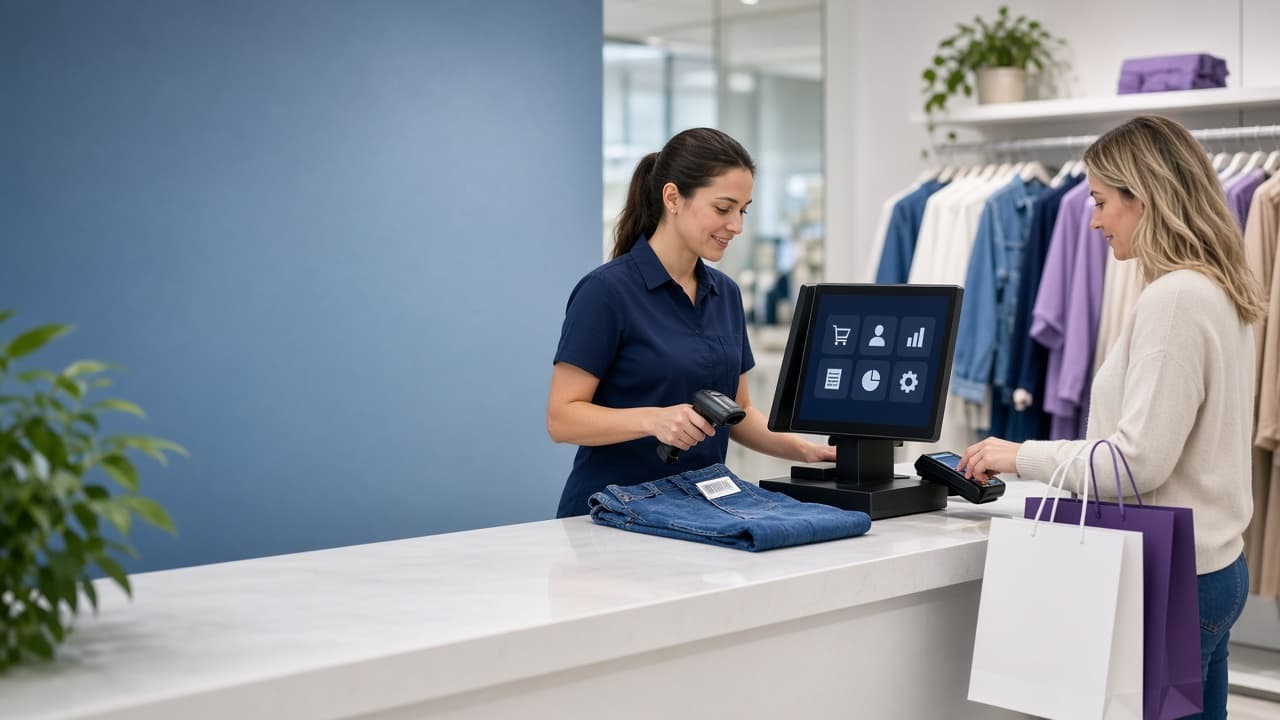
Running a retail store involves much more than selling products. Every day, business owners and staff need to manage billing, orders, inventory, payments, customers, returns, and sales reports.
When these activities are handled manually, mistakes can increase, and daily operations can become difficult to manage. A POS system helps bring these activities together in one place.
POS stands for Point of Sale. It is a software system, often used with hardware such as a computer, tablet, barcode scanner, receipt printer, and cash drawer, that helps businesses process sales and manage retail operations.
In this guide, we'll explain what a POS system is, how it works, what features it offers, and how it can help a retail business grow.
What Is a POS System?
A POS system is a combination of software and hardware used to complete sales and manage business information.
When a customer purchases a product, the staff member adds the item to the POS. The system then calculates the total, applies taxes or discounts, records the payment, and saves the transaction.
Depending on the software, the POS may also automatically update inventory, generate an invoice, and connect the order with the customer's profile.
For example, if a clothing store sells one medium-sized blue shirt, the POS can reduce the stock of that specific variant and record the sale in the store's order history.
A POS system is therefore more than a digital billing machine. It can become the central platform for managing sales, inventory, customers, and reports.
How Does a POS System Work?
A typical POS transaction follows these steps:
- The staff member scans a barcode or searches for the product.
- The POS adds the item to the customer's order.
- The system calculates the subtotal, discount, tax, and final amount.
- The customer pays using cash, card, UPI, or another payment method.
- The POS generates a receipt or invoice.
- The order is saved in the sales history.
- Inventory is updated according to the quantity sold.
For example, suppose a store has 10 units of a product. If a customer buys three units, the available quantity can be reduced to seven.
This connection between sales and inventory helps the store maintain more accurate stock records.
Main Features of a POS System
1. Billing and Sales
The most basic function of a POS is creating bills and recording sales.
A POS can calculate prices, discounts, taxes, and totals automatically. This reduces manual calculations and helps staff complete transactions faster.
Depending on the system, businesses may also be able to:
- Create invoices and receipts.
- Apply product or order-level discounts.
- Accept cash, card, UPI, and digital payments.
- Process split payments.
- Share invoices through email or messaging apps.
- Record cancelled and refunded transactions.
2. Order Management
A POS keeps sales orders organized in one place.
Store owners can usually view details such as:
- Order number.
- Products purchased.
- Customer name.
- Payment method.
- Order amount.
- Date and time.
- Order status.
Orders may be marked as completed, pending, cancelled, refunded, or returned. This makes it easier to find a transaction when a customer requests an exchange or refund.
3. Inventory Management
Inventory management is one of the most valuable features of a modern POS.
Instead of updating a spreadsheet every time a product is sold, the system can adjust stock automatically after each transaction.
Businesses can use a POS to:
- Track available quantities.
- Manage product variants.
- Monitor stock by location.
- Record stock adjustments.
- Identify fast-selling products.
- Find slow-moving items.
- Review stock movement.
For a clothing store, inventory can be managed by product, size, and colour. For a grocery store, the system may also support batches, expiry dates, and units of measurement.
4. Low-Stock and Out-of-Stock Alerts
A POS can notify staff when a product reaches a defined stock level.
For example:
- Low stock: The quantity is below the selected threshold.
- Out of stock: No sellable quantity is available.
These alerts help retailers reorder popular products before they sell out. They are especially useful for businesses with hundreds or thousands of products.
Some systems also allow staff to create a purchase order or adjust the stock directly from the alert screen.
5. Physical Inventory Counting
The quantity shown in software may not always match the actual stock in the store.
Products may be damaged, misplaced, exchanged, returned, or recorded incorrectly. Regular physical counting helps identify these differences.
A POS may allow staff to start an inventory count for:
- A particular product.
- A category.
- A collection.
- A store location.
- The entire catalog.
After the count, the business can compare the physical quantity with the system quantity and record necessary adjustments.
6. Customer Management
A POS can also work as a customer database.
A customer profile may include:
- Name.
- Phone number.
- Email address.
- Purchase history.
- Previous orders.
- Return or exchange details.
- Loyalty information.
Connecting a sale to a customer profile helps staff provide better service. For instance, if a customer wants to exchange an item but has lost the receipt, staff may be able to find the order using the customer's phone number.
Businesses can also use purchase history to understand customer preferences and create more relevant offers.
7. Returns and Exchanges
Returns and exchanges are common in retail, particularly in clothing, electronics, and lifestyle stores.
A POS can help staff:
- Find the original order.
- Confirm the purchased product.
- Check the return period.
- Process a refund.
- Exchange the item.
- Update inventory after the return.
A clear return workflow reduces confusion and creates a proper record of the transaction.
8. Multiple Store Locations
Businesses with more than one store need visibility into inventory and sales across locations.
A multi-location POS can help owners understand:
- Which products are available at each store.
- Which location is selling the most.
- Where stock needs to be transferred.
- Which products are running low.
- How each store is performing.
For example, a product may be out of stock at one location but available at another. Location-based data can help the business decide whether to transfer inventory or reorder stock.
9. Sales Reports
A POS converts daily transactions into useful business reports.
Depending on the system, reports may show:
- Total sales.
- Number of orders.
- Average order value.
- Best-selling products.
- Sales by payment method.
- Sales by staff member.
- Sales by location.
- Discounts and refunds.
- Product performance over time.
These reports help business owners make decisions based on actual sales data instead of assumptions.
10. Data Export and Accounting
Retailers may need to use their sales and inventory data outside the POS.
Many systems provide export options such as Excel or CSV files. These files can be shared with an accountant or used for further analysis.
Businesses may also look for integrations with accounting, e-commerce, payment, and inventory tools.
Before choosing a POS, check whether it supports the software your business already uses.
POS Hardware and Software
A complete POS setup may include both software and hardware.
| Component | Purpose |
|---|---|
| POS software | Manages products, orders, inventory, customers, and reports |
| Computer or tablet | Runs the POS application |
| Barcode scanner | Adds products quickly during billing |
| Receipt printer | Prints receipts or invoices |
| Cash drawer | Stores cash securely |
| Payment terminal | Accepts card or other electronic payments |
| Label printer | Prints product or barcode labels |
A small business may begin with a tablet and POS software, while a larger store may require multiple billing counters, scanners, printers, and payment devices.
POS System vs Billing Software
Billing software mainly focuses on creating invoices and recording payments.
A POS system usually combines billing with inventory, customers, reports, and operational workflows.
| Billing software | POS system |
|---|---|
| Creates invoices | Creates invoices and manages orders |
| Records basic transactions | Maintains detailed sales history |
| May require separate inventory records | Connects sales with inventory |
| Limited customer information | Stores customer profiles and purchase history |
| Basic reporting | Provides sales and operational reports |
| Often designed for one workflow | Can support staff, locations, and permissions |
For a very small business with simple billing needs, basic billing software may be sufficient. A POS becomes more useful when the business has multiple products, staff members, payment methods, or locations.
Benefits of Using a POS System
Faster Checkout
Barcode scanning and automatic calculations help staff complete transactions more quickly.
Fewer Manual Errors
The system calculates totals and records payments consistently, reducing mistakes in billing and stock updates.
Better Stock Visibility
Owners can see available quantities, low-stock products, and stock differences without checking multiple records.
Improved Customer Service
Staff can find customer details, previous orders, receipts, and return information more easily.
More Accurate Business Decisions
Sales reports help owners understand which products and locations are performing well.
Easier Business Expansion
A centralized POS can provide consistent processes when a business adds staff, products, or new locations.
POS for Different Retail Businesses
Clothing Stores
Clothing retailers can manage sizes, colours, product variants, exchanges, customer profiles, and stock by location.
Grocery Stores
Grocery businesses may need barcode billing, product units, expiry tracking, fast checkout, and frequent stock updates.
Jewellery Stores
Jewellery businesses can use a POS to maintain detailed product records, customer information, invoices, and purchase history.
Beauty and Lifestyle Stores
These businesses can manage product catalogs, customer purchases, promotions, and inventory from one system.
Multi-Location Retailers
A multi-store business can use a POS to compare sales, manage transfers, and monitor stock across locations.
What to Look for in a POS System
Before choosing a POS, consider the following features:
- Billing and order management.
- Inventory tracking.
- Product variants.
- Low-stock alerts.
- Returns and exchanges.
- Customer profiles.
- Multi-location support.
- Staff roles and permissions.
- Sales and inventory reports.
- Excel or CSV export.
- GST and tax support, where required.
- UPI, card, cash, and other payment options.
- Offline billing or offline mode.
- Integration with accounting and e-commerce tools.
- Customer support and staff training.
- Pricing that fits your business size.
Do not choose a POS only because it has many features. Select a system that matches your store's products, payment methods, staff workflow, and growth plans.
Common Mistakes When Choosing a POS
Retailers sometimes focus only on the monthly subscription price. However, the total cost may also include hardware, installation, training, payment charges, data migration, and support.
Other common mistakes include:
- Not checking whether the POS supports returns and exchanges.
- Ignoring product variants such as size, colour, or weight.
- Choosing a system without proper reports.
- Not confirming whether multiple locations are supported.
- Failing to test the system before purchase.
- Selecting software that is difficult for staff to learn.
- Not checking data export and backup options.
A short trial with real products and real billing scenarios can help identify problems before implementation.
Frequently Asked Questions
Is a POS system useful for a small retail store?
Yes. A small store can use a POS to manage billing, inventory, customer records, and daily sales. The business should choose a simple plan with features it actually needs.
Does a POS system need the internet?
Cloud-based POS systems generally depend on an internet connection, although some offer offline billing. Confirm the offline features before choosing a system.
Can a POS handle returns and refunds?
Many modern POS systems support returns, exchanges, refunds, and inventory adjustments. The exact process depends on the software and the store's return policy.
Can a POS generate GST invoices?
Some POS systems support GST invoices and tax settings. Businesses should verify the available tax features and ensure the setup matches their accounting requirements.
Is POS software the same as billing software?
Not always. Billing software may focus mainly on invoices, while a POS usually combines billing with inventory, customers, reports, staff controls, and other retail operations.
Final Thoughts
A POS system is more than a tool for creating bills. It connects sales, orders, inventory, customers, payments, returns, locations, and reports in one place.
For a small store, it can reduce manual work and improve billing accuracy. For a growing retailer, it can provide the visibility needed to manage products, staff, and multiple locations.
The right POS system should be easy for staff to use, suitable for the business's current needs, and flexible enough to support future growth.
A good POS does not only record what happened at checkout. It helps the business understand what is happening across the store.